
Apple Released New Updates This Week — Here’s What It Means for Your Devices
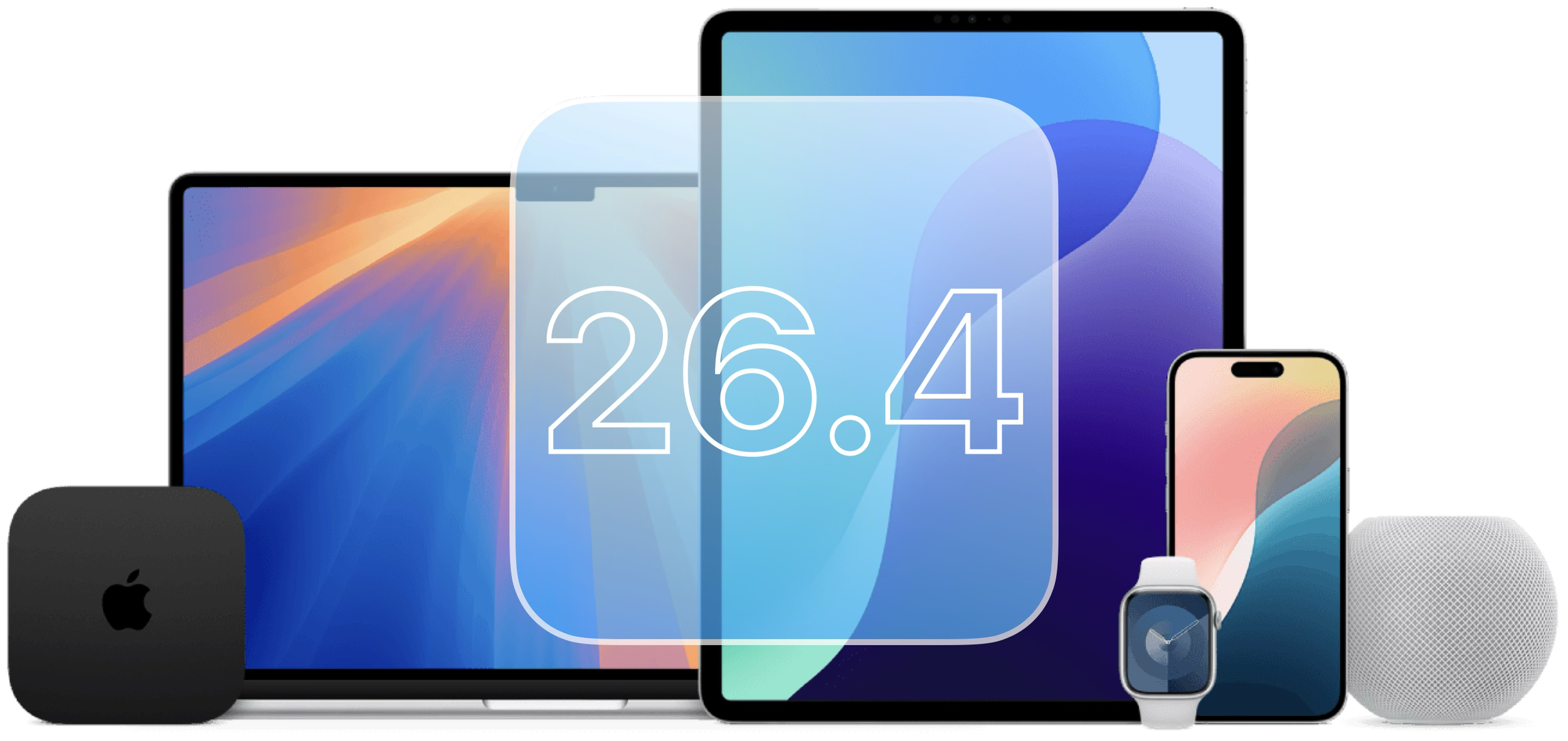
Apple pushed out a fresh round of updates on Tuesday for nearly all of its devices, including:
iPhones
iPads
Macs
Apple Watch
Apple TV
If you saw an update notification and ignored it (you’re not alone), here’s a straightforward explanation of what’s new—and whether you should care.
What Kind of Update Is This?
This isn’t a big, flashy overhaul with tons of new features.
Instead, it’s more of a refinement update—focused on:
Fixing things that weren’t working quite right
Making devices feel a bit smoother
Strengthening protection behind the scenes
Most changes are subtle, but still worthwhile.
Updates for iPhone and iPad
🎶 Easier Music Without the Effort
Your device is now better at putting together playlists based on simple requests.
For example, you can ask for music that fits a mood or activity, and it will generate something for you.
Helpful if you don’t want to spend time choosing songs.
⌨️ Fewer Annoying Typing Errors
If your keyboard has been acting unpredictable—skipping letters or correcting things oddly—this update addresses that.
You may not notice immediately, but typing should feel more reliable.
Improvements to Audio and Video Apps
Apps like Music and Podcasts have been refined to:
Switch more smoothly between formats
Improve playback quality
Work better overall
Nothing complicated—just a more polished experience.
😄 A Few New Emojis
There are some new emoji options added to your keyboard.
Not essential, but nice to have if you like using them.
Better Protection for Your Phone
Some security features are now automatically turned on, helping protect your information if your device is lost or stolen.
This is one of the most important parts of the update, even if you don’t see it.
What’s New on Mac
Smarter Battery Management
You now have more control over how your Mac charges, which can help preserve battery health over time.
Especially useful if you keep your laptop plugged in often.
A More Streamlined Web Browser
Safari has been slightly adjusted to feel cleaner and easier to navigate.
Small change, but it can make everyday browsing feel less cluttered.
Updates for Watch, TV, and Other Devices
For devices like Apple Watch and Apple TV, the changes are mostly in the background:
Stability improvements
Minor fixes
General performance boosts
These updates are about reliability, not new features.
Anything Major Missing?
Some of the bigger features people were expecting—especially around smarter voice assistants—haven’t arrived yet.
Those are likely coming in a future update instead.
Is It Worth Installing?
You’re getting:
Better overall performance
Fewer glitches
Stronger security
And nothing about how you use your device should feel drastically different.
The Bottom Line
This update won’t change how your devices look or behave in a big way.
What it will do is:
Reduce small frustrations
Keep things running smoothly
Improve safety in the background